
Mobile Banking
NWSB Mobile App
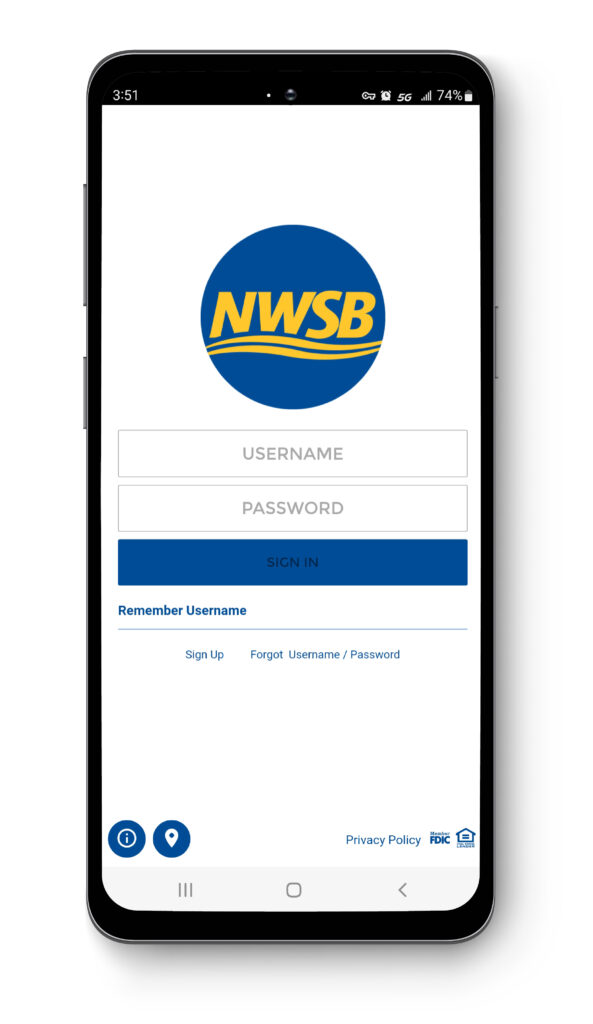
Get your account information on your cell phone with our mobile app. Download the app and log on using your online banking username and password. The NWSB mobile app for the iPhone and Android is now available for download at your app store.


With the mobile app you will be able to:
- Check account balances
- See transaction history
- See check images
- Make transfers between your NWSB accounts
- Turn off and on your debit card.
- See branch location information and maps
- Deposit checks with our mobile check capture
We hope you enjoy using the new mobile app and all the features it has to offer.
To sign up for mobile banking:
- Download the NWSB Mobile Banking App onto your mobile device from your mobile device app store.
- Log in using your online banking username and password.
- Follow the prompts to enroll your mobile device for mobile banking and/or text banking.
SMS Text Banking
To receive your balances, transactions or help information with SMS (text messaging) simply text one of the following commands to 1-334-471-4269.
- BAL (returns default account balances)
- BAL ALL (returns all account balances)
- BAL [alias] (returns alias account balances)
- ACT (returns activity on default account)
- ACT [alias] (returns activity on alias account)
- CMD (returns short list of commands)
- HELP (provides a phone number for support)
You may cancel your Mobile Banking access by contacting our Customer Care Center at 888-639-0829 (email at callcenter@newwashbank.com); or Deposit Operations department at 812-256-3271 (email at depositops@newwashbank.com).
Notify the bank immediately if your cell phone has been lost or stolen.
